Trusted site or trap? A 90-second inspection anyone can run
20 September 2026
Why "looks professional" means nothing
Scam kits now ship pixel-perfect clones of banks, marketplaces, and government portals in minutes. Design is no longer evidence. These five checks take ninety seconds and catch most traps.
The 90-second inspection
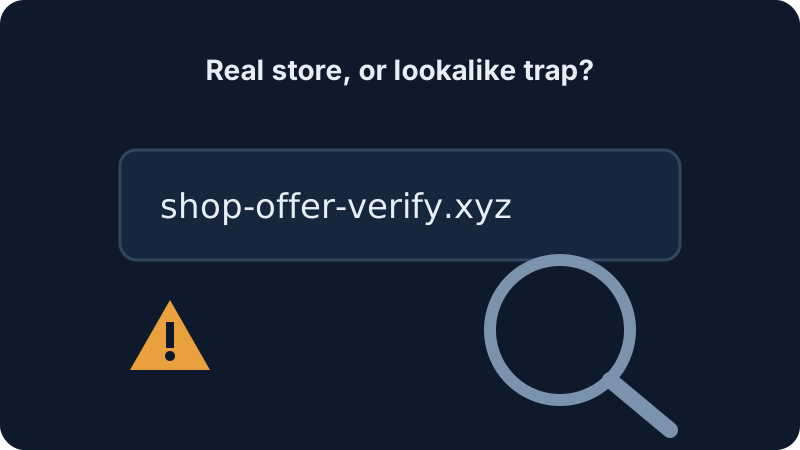
- Read the domain backwards. The registrable core sits just left of the public ending:
sbi.**co.in**real vssbi-kyc.**xyz**trap. Hyphens + urgency words (verify,suspend,offer) + odd endings (.xyz,.top,.sbs) = walk away. - Check the age. Real businesses are rarely days old. Our free domain check shows registrar and creation date via public RDAP records — a "bank" born last Tuesday is not a bank.
- Check certificate history. crt.sh lists every public certificate for a domain. Established sites have history; throwaway scam domains have none.
- Look for humans. Real businesses have verifiable addresses, working phone numbers answered in their name, and GSTIN/company records you can cross-check. Scam sites have forms that go nowhere and chat widgets staffed by urgency.
- Feel the pressure. Countdown timers, "only 2 left", advance-payment-only, no-COD-ever: pressure is the payment method of fraud. Legitimate sellers survive your delay; scammers cannot afford it.
Worked example
http://sbi-kyc-verify-urgent.xyz/login?session=8491 — fails all five: http (not encrypted), hyphens + urgency words, .xyz ending, days-old domain, pressure framing. Paste anything like it into the scam-link scanner and watch it light up.
The whitelist habit
Bookmark the five sites you bank, pay tax, and shop on — and always arrive via bookmarks or the official app, never via SMS, email, or search ads (scammers buy ads on their own brand-names-plus-typo). Trust is a route, not a feeling.